Microsoft Fabric Meets Purview Unified Catalog
A step-by-step how-to guide for governing analytics, lineage, and AI-ready data products in 2025
On this page13 sections
Full Article
Read the complete article, including examples, background, practical insights, and technical details.
Enterprises increasingly rely on data lakes, AI models, and real-time analytics to stay competitive—yet most data teams still struggle with fragmented catalogs, undocumented pipelines, and manual access requests. Microsoft’s integration of Microsoft Fabric and Microsoft Purview Unified Catalog directly addresses this gap by combining Fabric’s unified analytics stack with Purview’s enterprise-grade governance.
Instead of bolting governance onto your data platform after schemas drift or compliance audits fail, Fabric items—such as Lakehouses, Warehouses, Dataflows, and Power BI semantic models—register automatically in Purview. The result is built-in discovery, end-to-end lineage, data quality scoring, and controlled self-service access in one cohesive workflow.
Below is a practical how-to guide to configuring the integration, followed by concrete ways developers can utilize it in data engineering, analytics, and AI pipelines.
How Fabric and Purview Unified Catalog Work Together
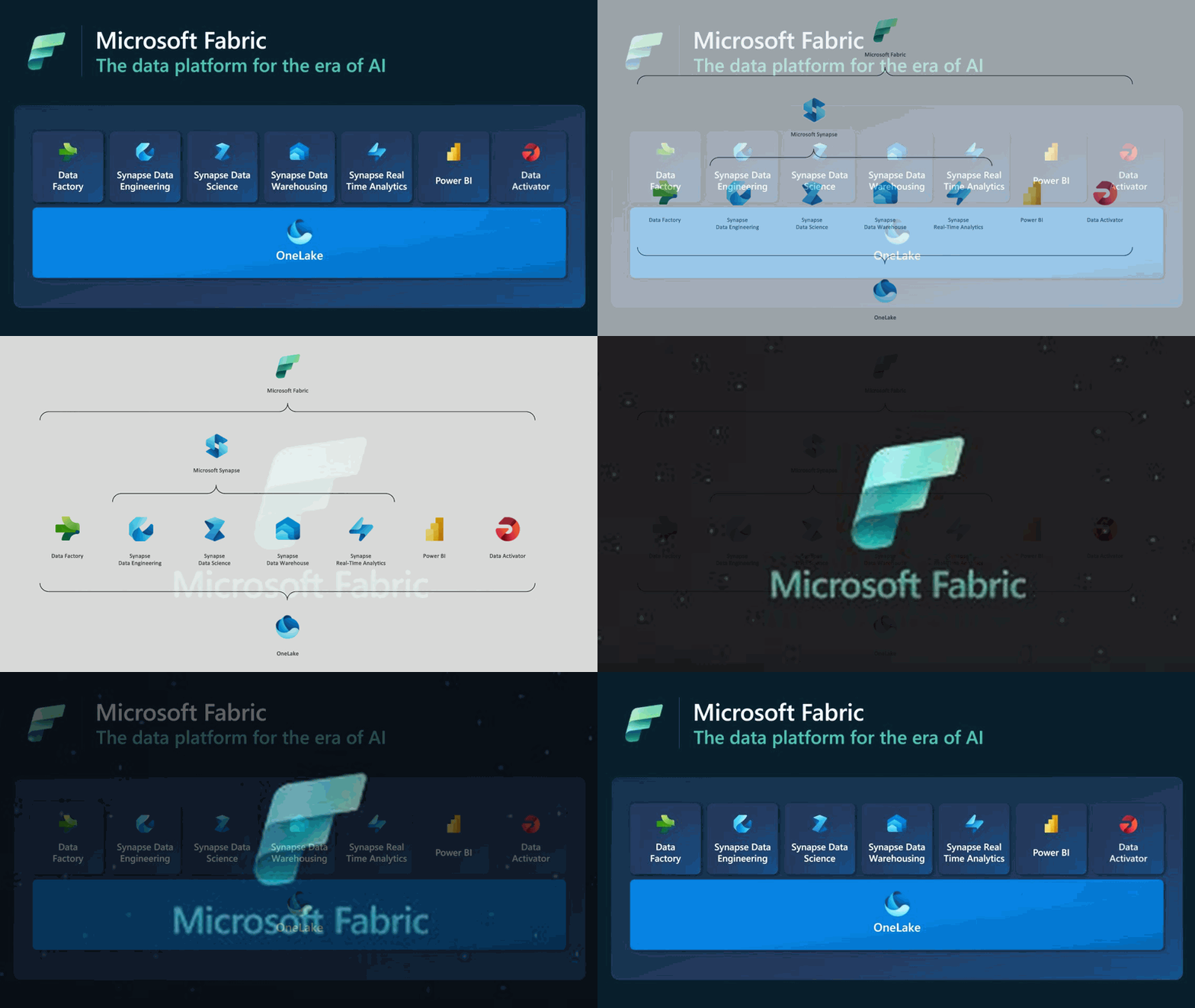
At the storage layer, Microsoft Fabric standardizes on OneLake—a single, tenant-wide logical data lake using open Delta Parquet formats. Purview Unified Catalog sits alongside OneLake as the governance and discovery layer:
- Automatic Asset Registration: Workspaces, Lakehouses, and semantic models created in Fabric appear in Purview without custom connectors.
- Governance Domains & Data Products: Teams group raw tables and reports into business-aligned Data Products with clear owners, SLAs, and terms of use.
- End-to-End Lineage: Purview tracks how data flows from ingestion through Spark transformations to downstream dashboards and AI models.
- Health & Quality Scoring: Built-in data quality rules surface freshness, completeness, and schema health directly inside the catalog.
How to Configure Microsoft Fabric with Purview Unified Catalog (Step-by-Step)
Follow these five steps to move from an ungoverned Fabric workspace to a discoverable, policy-driven Data Product setup.
Step 1: Verify Tenant Integration and Permissions
- Open the Microsoft Fabric Admin Portal and confirm that Microsoft Purview Hub and metadata scanning APIs are enabled for your tenant.
- In the Microsoft Purview Portal, navigate to Unified Catalog and verify that your Fabric workspaces appear under your registered data estate.
- Assign Data Governance Admin or Domain Owner roles to the engineering leads responsible for each business area.
Step 2: Create Governance Domains and Data Products
Rather than exposing hundreds of raw bronze/silver tables to everyone, organize assets into Governance Domains (for example, Customer Analytics, Product Telemetry, or Finance):
- In Purview Unified Catalog, select Governance domains -> Create.
- Add domain-specific glossary terms so engineers and analysts share exact definitions (e.g., what constitutes an Active User or Net Revenue).
- Bundle curated Fabric Lakehouse gold tables and Power BI semantic models into a Data Product, attaching a clear description, owner contact, and update cadence.
Step 3: Configure Automated Lineage and Data Quality Rules
- Open your Data Product in Purview and inspect the Lineage tab to confirm upstream Dataflows/Pipelines and downstream semantic models are linked.
- Under Data Quality, attach automated rules to your critical OneLake tables—such as non-null checks on primary keys, freshness thresholds, and expected value ranges.
- Schedule recurring quality scans so Purview updates each asset’s health score before downstream consumers rely on it.
Step 4: Set Up Endorsement and Self-Service Access Workflows
- Promote production-ready Fabric Lakehouses and semantic models as Certified or Promoted so developers can distinguish trusted sources from experimental sandboxes.
- Configure Access Policies on each Data Product in Unified Catalog, allowing analysts or application teams to request read access with automated manager or owner approval.
Step 5: Connect Governance Signals to Developer Workflows
Once your Data Products and quality rules are active, surface Purview health scores and certifications to your engineering team—so failing quality checks block downstream deployments or AI indexing jobs automatically.
How Developers Can Utilize Fabric + Purview in Practice
For software engineers, data engineers, and AI builders, this integration is far more than a compliance dashboard. Here are four ways to use it in daily engineering work.
1. Discover Trusted Datasets Without Tribal Knowledge
In large organizations, developers waste hours asking in Slack which table is the "real" source of truth. With Purview Unified Catalog, engineers can search by business term, filter for Certified Data Products, inspect column-level schemas, and verify the latest quality score before writing a single line of SQL or PySpark—complementing upstream data preparation tools like those we covered in Zoho DataPrep in 2025.
2. Gate AI, RAG, and ML Pipelines on Data Quality
AI models and Retrieval-Augmented Generation (RAG) assistants are only as reliable as the data feeding them. Developers building enterprise copilots—such as custom agents in Microsoft Copilot Studio—can use Fabric Notebooks to validate Lakehouse tables against expected quality thresholds before generating embeddings or training features:
# Example: Lightweight quality gate inside a Microsoft Fabric PySpark notebook
df = spark.read.table("gold_customer_events")

null_ids = df.filter(df.customer_id.isNull()).count()
total_rows = df.count()

if total_rows == 0 or (null_ids / total_rows) > 0.001:
    raise RuntimeError(
        f"Quality gate failed: {null_ids}/{total_rows} null customer_id rows."
    )

print("Quality gate passed. Safe to publish to downstream AI/BI consumers.")
Pairing this with Purview’s automated quality scans gives you both preventive checks in code and continuous observability in the catalog.
3. Perform Impact Analysis Before Schema Changes
Before renaming a column or refactoring a transformation in a Fabric Lakehouse, developers can open Purview’s lineage graph to see every downstream Dataflow, notebook, Power BI report, or external analytical store (such as high-throughput time-series or SQL engines like CrateDB) that depends on that table. This turns risky schema migrations into predictable, auditable changes.
4. Automate Metadata Tagging via APIs
For platform teams managing dozens of Fabric workspaces, manual UI tagging does not scale. Developers can integrate Purview REST APIs into CI/CD pipelines (GitHub Actions or Azure DevOps) to automatically apply sensitivity labels, register newly deployed Lakehouse tables into the right Governance Domain, and fail pull requests when new datasets lack an owner or description.
Industry Context and Takeaways
In 2025, modern data platforms are moving away from disconnected governance bolt-ons toward embedded, developer-friendly governance. Traditional architectures forced engineering teams to maintain separate cataloging scripts, manual spreadsheet glossaries, and ad-hoc access tickets—creating friction between data producers and consumers.
By uniting OneLake’s open storage and Fabric’s compute with Purview Unified Catalog’s discovery, lineage, and quality scoring, Microsoft gives engineering teams a practical way to ship analytics and AI features faster without sacrificing trust, auditability, or compliance.
Comments load as you scroll…