Before You Open Your Code Editor, Try a Sheet of Paper
Oct 6, 2026
Before You Open Your Code Editor, Try a Sheet of Paper
A new feature often begins with opening the code editor. We create a component, arrange a few containers, and start adjusting the layout. Before long, we are choosing icons and fixing spacing while still figuring out what the screen should actually do.
There is another way to begin: sketch the idea on paper. For developers who spend most of their day on screens, that small change can create a useful pause between having an idea and committing to its implementation.
Why it matters
Imagine building a dashboard for a quiz application. It needs to show recent attempts, topic mastery, rankings, and progress. All four sound important, but placing them on the same screen forces a decision: what should the learner notice first?
A quick sketch lets you explore that question before writing components. You can move sections, remove distractions, and compare different arrangements without getting caught up in CSS.
Paper also makes unfinished work easier to discuss. A rough box labelled “progress” invites questions about what belongs there. A polished card can shift the conversation toward colours and alignment before its purpose is settled.
A useful first draft gives you something to question, even when it gives you nothing to ship.
Key highlights
A few simple paper formats can support different parts of the development process:
- Phone and browser wireframes provide boundaries for exploring screen layouts.
- Graph paper helps arrange sections and sketch relationships between elements.
- Lined paper gives requirements, meeting notes, and unresolved questions a place to live.
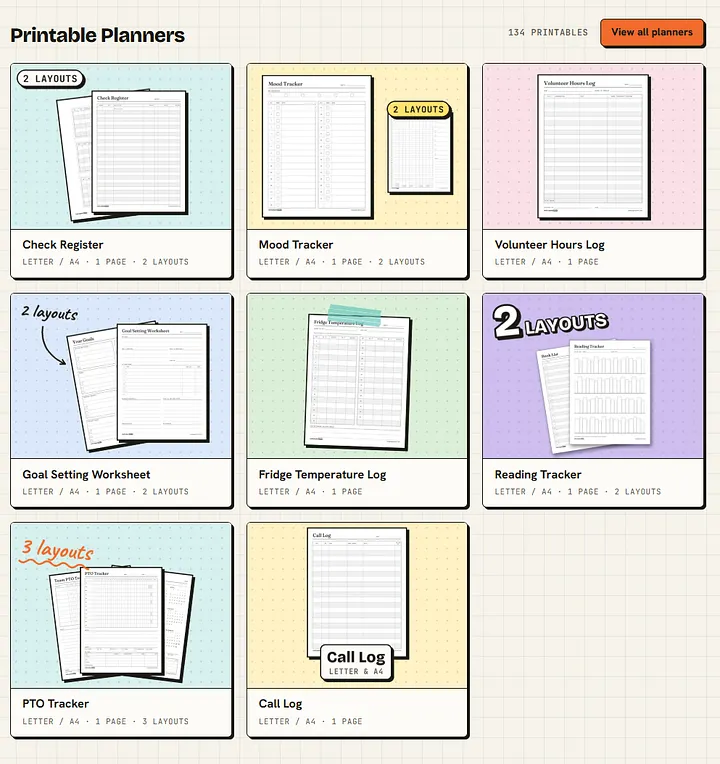
- Printed planners and calendars can keep immediate priorities visible beside your workspace.
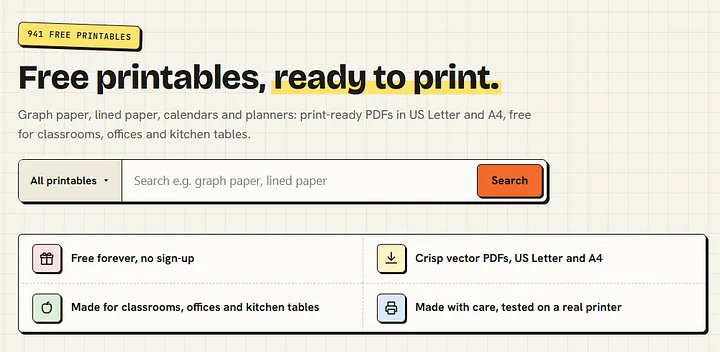
For anyone who prefers a starting template, Rock Paper Print offers free printable PDFs, including phone, browser, and website wireframes, alongside graph paper, lined paper, calendars, and planners. The site lists A4 and US Letter formats and describes its downloads as requiring no sign-up or watermarks.
The practical use is straightforward: choose a suitable sheet, print it, and start working through the idea.
Industry context
Coding assistants make it easier to turn a description into a working interface. That makes the quality of the description worth examining. An unclear user journey can become a functioning screen while still leaving the original problem unresolved.
Consider a registration flow. Before generating it, sketch where users enter their details, how errors appear, and what happens after submission. Those decisions give both the developer and the coding assistant a clearer direction.
Digital design tools remain valuable for detailed prototypes and collaboration. Paper can serve as an early step, particularly when the idea is still changing and visual precision would add little to the discussion.
Apptastic Insight
Before starting your next screen, spend ten minutes sketching its main action, essential information, and likely failure states. Ask whether someone could understand what to do without an explanation from you.
Then bring those decisions into your implementation. Even a rough sketch can help you write a clearer prompt, identify missing requirements, and explain the feature to a teammate.
Keep a few blank templates beside your keyboard. The next time a layout feels confusing, you will have a simple place to work through it.